

Register Your 3-Year Vesta Warranty
Protect your stove by completing the registration form below. You can also share photographs or a short video of your finished installation so we can see your Vesta stove in its new home.
Protect your purchase and share your finished stove
Registration helps us keep an accurate record of your stove and makes it easier to assist you if you need support in the future.
Register Your Warranty
Submit the purchase and product details needed to register your Vesta stove for its applicable 3-year warranty.
Share Photos or Video
Show us the completed room, garden building, pergola or outdoor space where your stove has been installed.
Help Other Customers
With your separate permission, real installation media can help future customers understand how Vesta products look in use.
Complete your registration in three steps
Enter Your Details
Tell us who purchased the stove and how we can contact you if we need to clarify anything.
Add Stove Information
Provide the model, purchase date, retailer and any other product or installation information requested.
Upload and Submit
Add installation photographs or video when available, review your answers and send the registration.
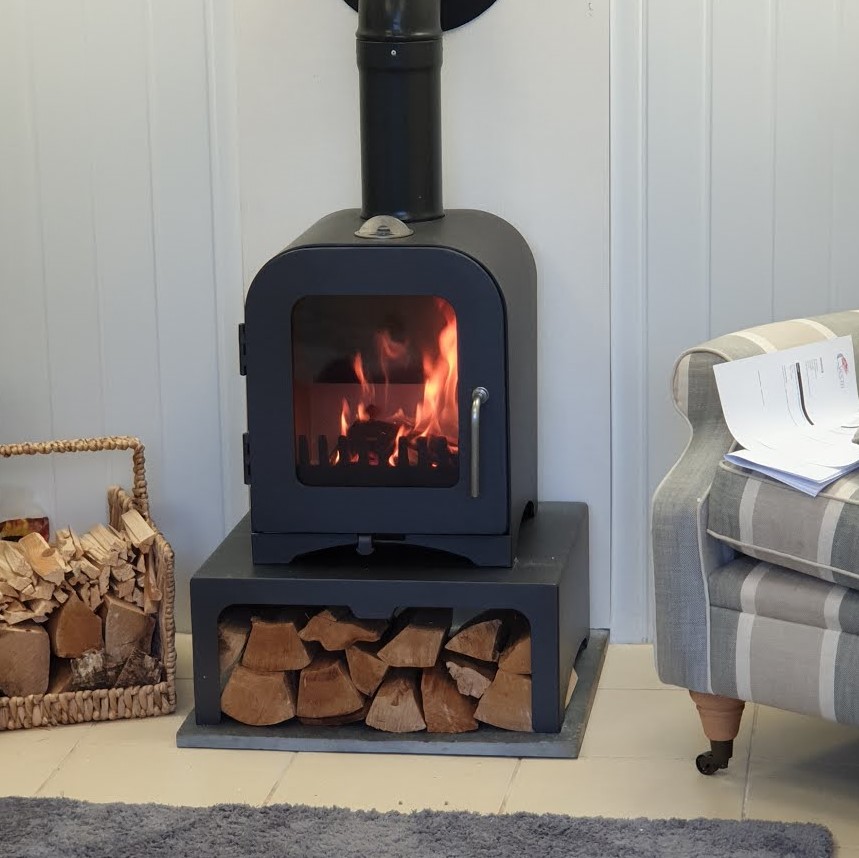
Keep your stove details together from the start
Registering your stove gives Vesta Stoves a clear record of the product and purchase information you provide. This can make future support more straightforward if you need to contact us.
- Creates a record of your stove and purchase details
- Supports your applicable 3-year warranty registration
- Helps us identify the model when responding to support enquiries
- Allows installation photographs to be kept with the registration
- Gives you an opportunity to share useful customer feedback
Warranty coverage remains subject to the applicable Vesta Stoves warranty terms, product instructions and any exclusions stated there.
Have these details ready
The exact questions depend on your existing registration form, but these are the details customers commonly need.
Register your Vesta stove
Complete all required fields, add optional installation media where available and check your details before submitting.
Warranty registration FAQs
Why should I register my Vesta stove?
Registration creates a record of the stove and purchase information you submit and is used for the applicable Vesta Stoves 3-year warranty registration process.
Can I register without uploading photographs?
Unless your form marks an image as required for a specific reason, customer installation photographs and videos can be presented as optional. Keeping them optional may improve form completion rates.
Will my photographs automatically be published?
No we will ask for permission to use the images.
What should I include in an installation photograph?
A clear wide photograph showing the stove, hearth, nearby surfaces and visible chimney route is usually more useful than a close-up of the stove alone.
What happens after I submit the form?
The form should display a clear confirmation message and, ideally, email the customer a copy or acknowledgement. Check the current Gravity Forms notifications and confirmation settings to ensure this is configured correctly.
What if I enter something incorrectly?
Contact Vesta Stoves with your name, postcode, stove model and the information that needs correcting.
Having trouble registering your stove?
Contact the Vesta Stoves team if you cannot find a product detail, have difficulty uploading media or need help with an existing registration.